Tutorials to help you get the most from Hai Helper.
Short videos covering everything from getting started to submitting your first claim.
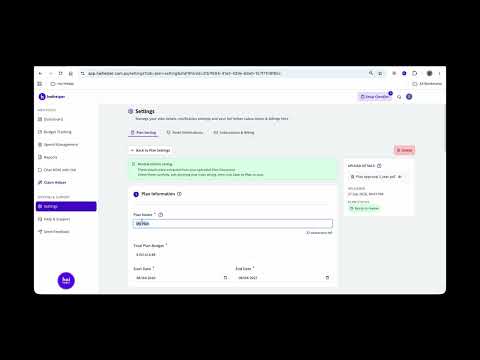
Add Your Plan: Upload and Autofill
Upload your NDIS plan PDF and Hai Helper reads it in, fills in your budget amounts for you, and you check everything before saving. Takes about a minute.
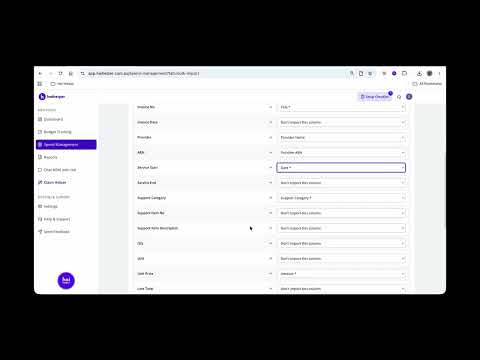
Add Your Spend History: Bulk Import
Already have a spreadsheet or NDIS portal CSV of past spends? Bulk import brings your whole spend history into Hai Helper in one go, instead of adding each one by hand.
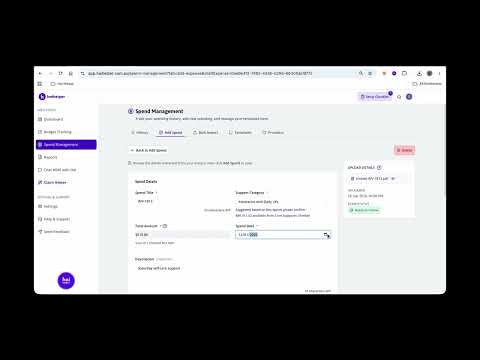
Add a Spend: Automatic Upload
Upload an invoice and Hai Helper extracts the details for you. Check everything, save the provider for next time, and add it as a spend.
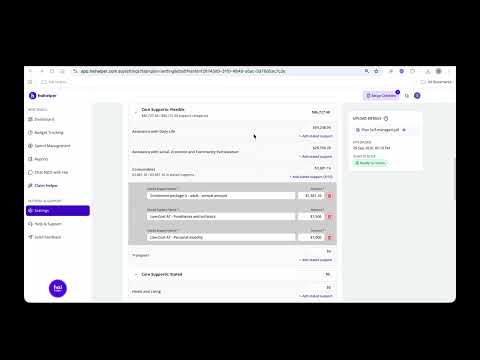
Add Stated Supports to a Support Category
If your plan has stated or specified supports within a category, add them with autofill, manually, or both — so your flexible and stated funding stay accurately split.
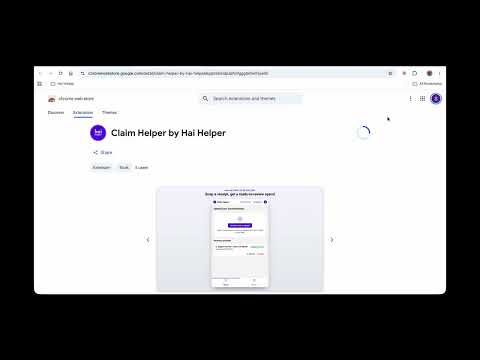
Install Claim Helper: The Browser Extension
Download and sign in to the Claim Helper browser extension, so you can copy your invoice details straight into the myNDIS portal.
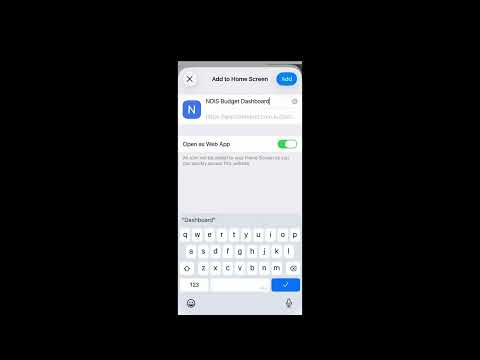
Add Hai Helper to Your Home Screen (iPhone)
Hai Helper works right in your mobile browser. On iPhone, add it to your home screen so it opens like an app, in one tap.
Can't find what you're after? Our team can help directly.
Contact us →